Guide
ERP system in Luxembourg: what it does, what to check, and how to choose
What an ERP system actually does
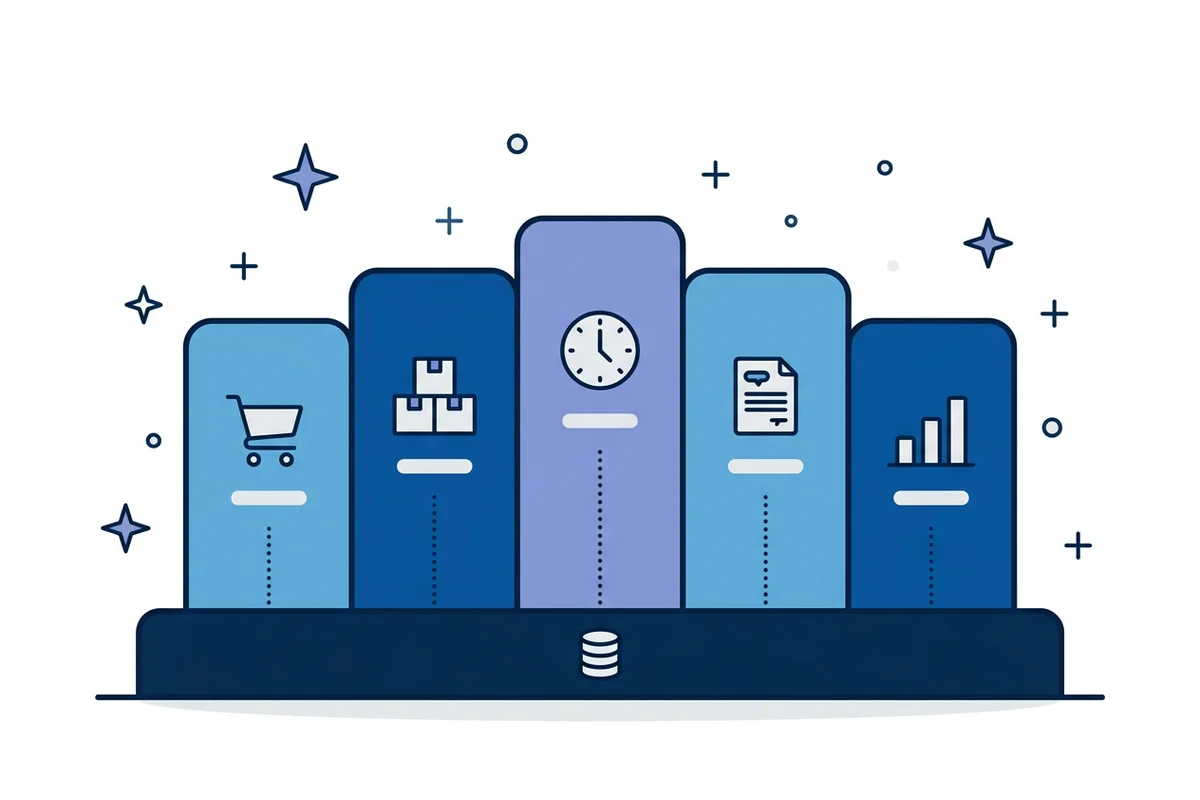
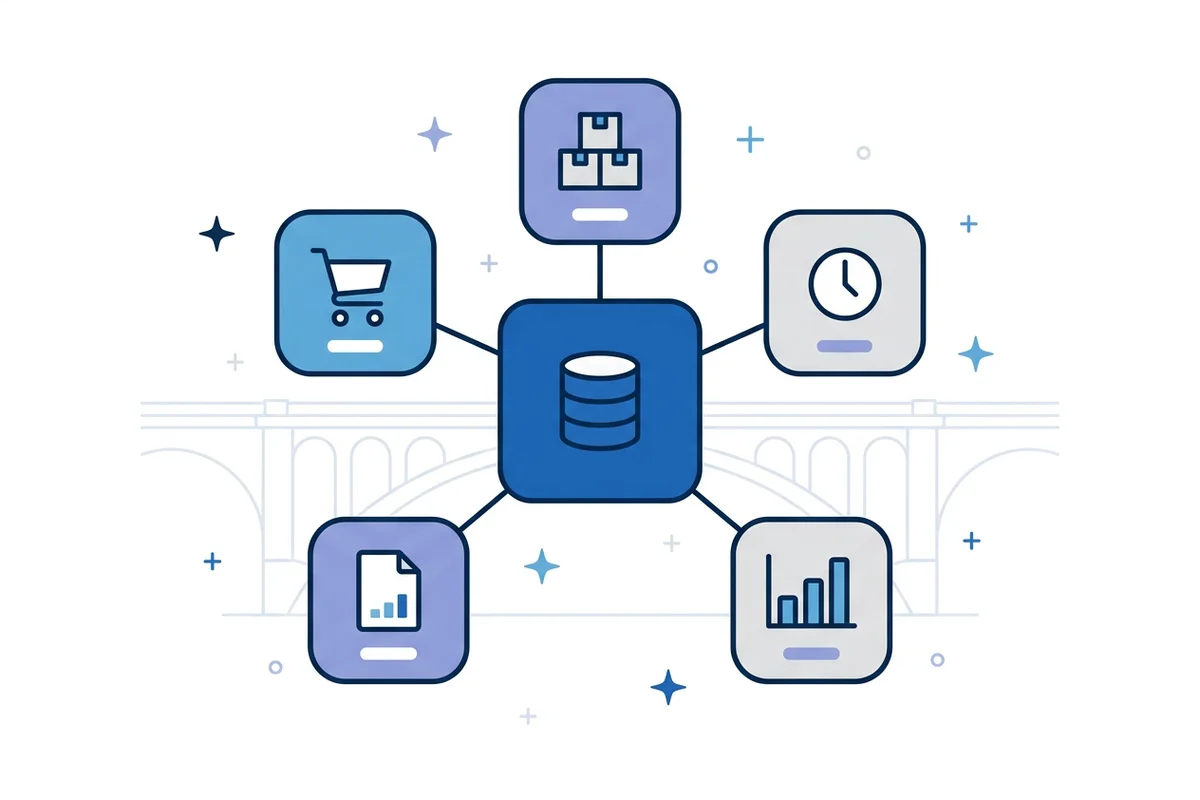
Orders & quotes: from quote to confirmation to delivery note, with a status everyone can see instead of a shared mailbox. Purchasing & stock: live stock levels, reorder points and movements tied to the orders that caused them. Projects & time: hours, budgets and progress per project, so margin is visible before the project ends rather than after. Invoicing & accounting handoff: invoices generated from what was shipped or worked, with a clean export to the accounting package. Reporting: the handful of numbers you steer by, refreshed automatically instead of assembled every Monday.
What is different about ERP in Luxembourg
Several languages in daily work. Quotes, invoices and customer emails often switch between French, German and English. Check that documents and screens handle this without workarounds. Cross-border business. Customers, suppliers and staff across Luxembourg, France, Belgium and Germany mean intra-EU sales and several VAT situations. Ask how the system handles them. Accounting stays specialised. In most companies it runs in a dedicated accounting package built around Luxembourg accounting rules. An operational ERP usually feeds that package rather than replacing it. E-invoicing and reporting requirements evolve. Ask your accountant which ones apply to you, and prefer a system that can export structured data rather than only PDFs. Data protection and hosting. Customer and employee data fall under the GDPR. Ask where the data is hosted and who can access it.
Three routes to an ERP
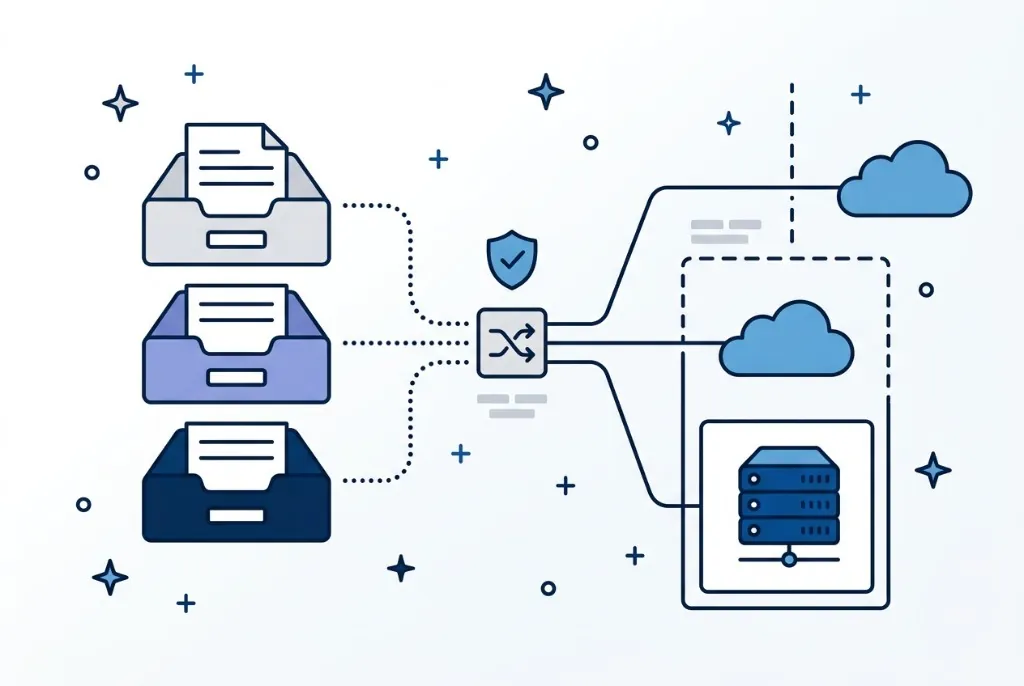
A standard ERP (SAP, Odoo or Microsoft Dynamics, or a sector-specific package). It fits when your processes are genuinely standard and you can adapt to the product. You get a vendor roadmap and a large ecosystem — and you pay for modules you never open, plus a consultant’s day rate every time a field has to change. A lean custom ERP. One system covering exactly the processes you run and nothing you do not need. It fits when your processes are how you compete, or when most of a standard ERP’s budget would go into customising it. Fewer screens, less training, and you own the code and the data. Extending what you already have. If your accounting or CRM works, keep it and add the missing piece as a specialised module connected through an API.
What it costs and how long it takes
Source: Guichet.lu – SME Packages Digital
How to choose: seven questions
Which two or three processes cost you the most time or money today? Who uses them every week, and what does one error cost? What already works — accounting, CRM — and can it be connected through an API or an export? Which data has to move, and where does it live today? Existing spreadsheets are usually the best specification available: they show exactly which fields matter. Who owns the code, the data and the documentation when the project ends? Where is the data hosted, and how is GDPR handled? What does the system cost over five years — licences, changes and support — not just in year one?
Common mistakes
Buying for the organisation chart instead of for the processes. Planning a big-bang migration, with weeks of frozen operations, instead of delivering in slices. Customising a standard product to imitate a process the vendor never designed for. Having no internal owner — someone who knows the processes and makes the decisions. Skipping the spreadsheet audit and ignoring the files that show how work really runs.
Where to start
Not sure whether you need an ERP or just better plumbing?
Bring one process that hurts. In 30 minutes we will tell you honestly whether an ERP is the answer — and if it is not, what is.
Book a free first call