Most automation programmes fail for a simple reason: they start with a tool, or with the most politically visible process, not with the work that is actually repeatable. In a small company the first automation should be boring. If you cannot describe the rules on a whiteboard, you are not ready to automate it — you are still discovering it.
Automation SME
Published on Aug 12, 2026•8–10 min read
Automate the repeatable work, not the exceptions
Exception handling is where humans are good. Copying a customer from one system into another, renaming a file, chasing a status, building the same weekly report — that is where software is good. If your first project is “automate how we handle angry clients”, you will encode confusion. If it is “when an invoice is paid, update the sheet and notify operations”, you will encode a rule.
A useful bias for SMEs: pick something that already happens ten or more times a week, by the same people, with the same inputs. Frequency is a feature. Rare, high-drama work looks important and makes a terrible first automation.
A simple score
Rank candidate processes on four axes, 1–5 each. Multiply. The highest score that you can still explain in two sentences is your first project.
Frequency — how often it happens. Daily beats quarterly.
Time — minutes per occurrence, including the hunt for the right file.
Stability — would last month’s rules still be true next month? If not, wait.
Stability is the filter people skip. Automating a process that the owner still changes every Friday produces a brittle workflow and a team that quietly goes back to email.
Good first projects
These keep scoring well in companies we see in Luxembourg:
Data entry between systems. A new client in the CRM should not be retyped into billing. A paid invoice should not wait for someone to notice.
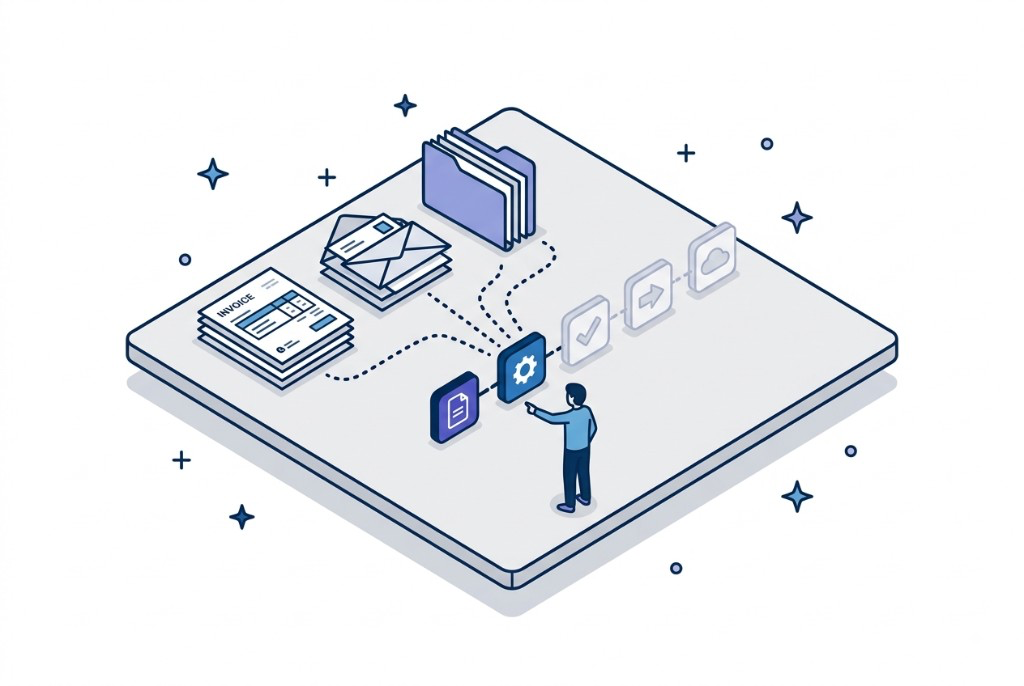
Document routing. Incoming PDFs, signed forms, delivery notes — classify, name, store, notify. Humans still review the odd case.
Reporting that is always the same. If the Monday pack is a copy-paste ritual, it is a pipeline, not a strategy meeting.
Invoicing handoffs. The work after “the job is done” — gather lines, send, chase, mark paid — is usually more mechanical than people think.
None of these require a new company platform. They require a defined trigger, a defined action, and a place to look when something fails. That is process automation in the useful sense.
What not to automate yet
Unclear process. If two people disagree on the steps, write them down first. Automation will not referee.
Political work. Approvals that exist to keep a department in the loop are a conversation, not a workflow.
One-off projects. A unique tender, a one-time migration, a founder’s pet dashboard. Do it by hand.
The exception path. Automate the 80% that is identical. Leave the 20% with a person and a queue.
Automation, custom app, or AI agent?
These are not synonyms. Mixing them up is how you buy the wrong thing.
Automation is for a known path: if X happens, do Y, in systems you already have. Best first move for most SMEs.
A custom app is for when there is no system of record — the Excel is the product. Then you need a small application, not another integration. See custom software vs ERP .
An AI agent is for work that needs judgment across messy inputs — reading documents, drafting, triaging — with a human still accountable. It is not a replacement for a stable workflow. If the rules are crisp, use automation. If the work is language-heavy and the outcome is reviewed, look at AI agents .
Start with one workflow. Measure that it actually saves time. Then pick the next score on the list. A catalogue of tools without a first process is how small companies stall for a year.
Bring the weekly ritual
If your team still copies the same data between two tools every week, that is a candidate. We can tell you whether it should be automation, a small app, or left alone.
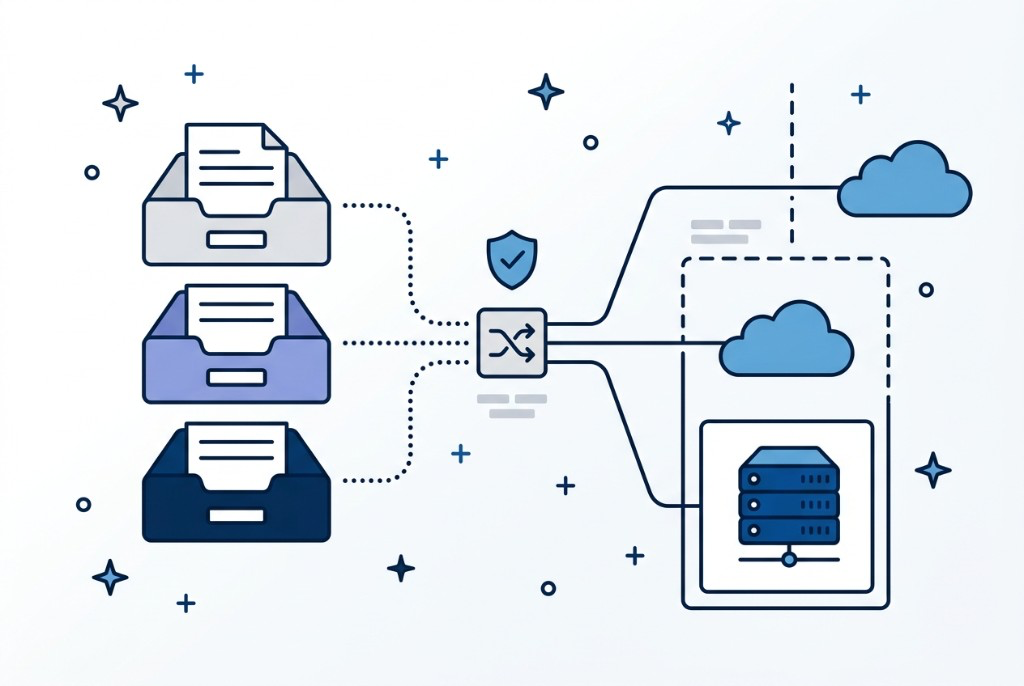
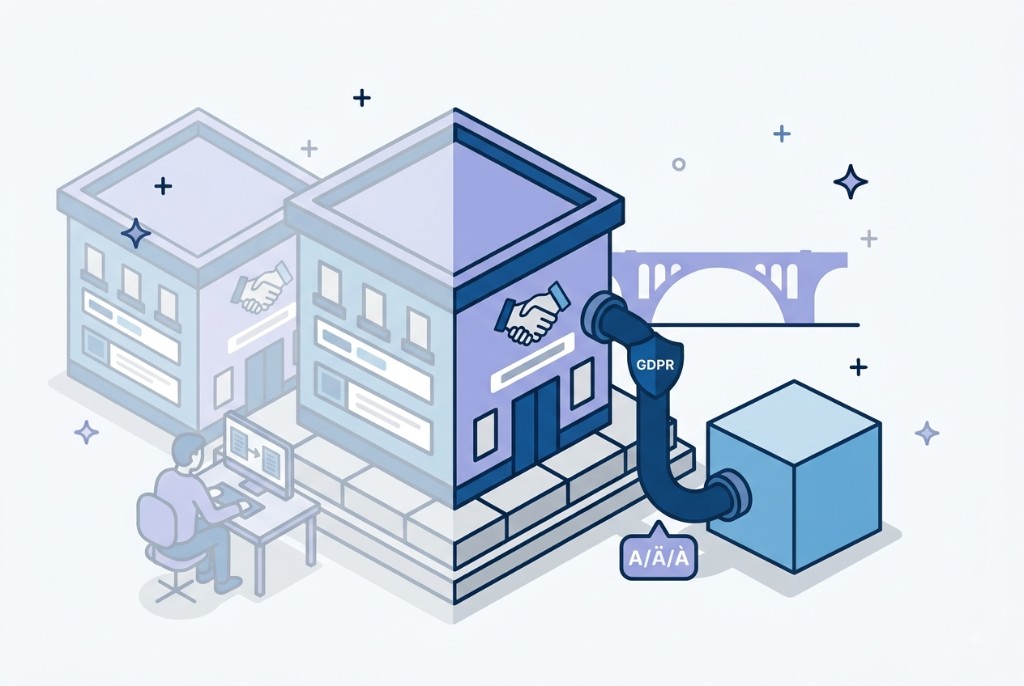
Self-hosting a model is a data-flow decision, not a compliance certificate. What GDPR actually asks of an AI system, when a local model earns its cost, and how to route by data class.
Automatisierung in Luxembourg: wiederkehrende Aufgaben abbauen, Systeme verbinden und Workflows skalieren – mit Fokus auf DSGVO, APIs und messbare Zeitersparnis.